
Are you having trouble connecting your ELM327 to your car’s ECU? Many users are irritated when their OBD-II scanner won’t link up, leaving them unable to check engine codes or monitor performance.
But before you give up, some solutions can make a real difference. With a few adjustments and some troubleshooting tricks, you can get your ELM327 working smoothly again and access those crucial diagnostics.
Let’s dive into how to fix these common issues and confidently get you back on the road.
1. Incorrect OBD-II Protocol
A common issue with the ELM327 is its inability to establish a connection, often showing messages like “protocol not supported” or “connection failed.”
Vehicles use different OBD-II protocols, such as ISO 9141-2, SAE J1850 PWM, or CAN. If the ELM327 is not set to the correct protocol, it will fail to communicate with the ECU.
To fix this, determine which OBD-II protocol your vehicle uses. This information is usually in the vehicle’s manual or online databases.
After identifying the protocol, set it manually in the ELM327 app (such as Torque or Car Scanner) instead of relying on automatic detection. Manually selecting the protocol can be more reliable, especially if automatic settings fail to recognize the right one.
2. Low Bluetooth Signal or Wi-Fi Issues
Connectivity problems can also arise from weak Bluetooth or Wi-Fi signals, making it hard for the ELM327 to pair with your phone or tablet. This is especially true for Bluetooth models but can also affect Wi-Fi versions when there’s interference from other networks.
The strength of the Bluetooth signal can vary between different ELM327 models, and cheaper versions might have weaker transmitters. Keep your phone or tablet close to the adapter while using it to improve the connection.
Turning off nearby networks or changing to a less congested channel for Wi-Fi models can help. Make sure the adapter is securely plugged into the OBD-II port and has power, which can prevent many signal-related problems.
3. Faulty ELM327 Adapter
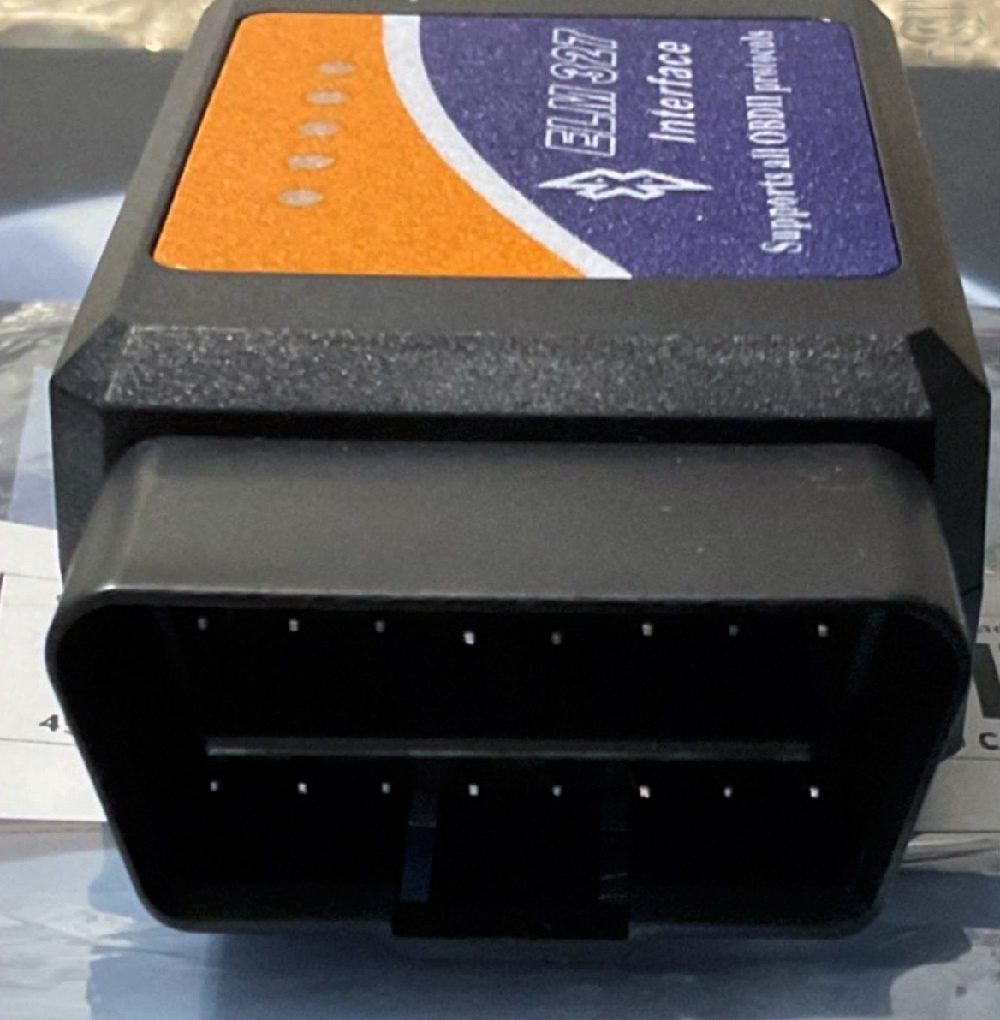
Sometimes, the problem lies with the ELM327 adapter itself. Many adapters on the market are low-cost clones that don’t meet compatibility standards, leading to unstable connections or total failures, even with compatible vehicles and apps.
A simple way to check is to test the adapter on another car. The adapter is likely defective if it fails to connect with different vehicles.
Investing in a reliable adapter from well-regarded brands like OBDLink or BAFX can save time and frustration. These higher-quality options tend to offer better performance and reliability.
4. Compatibility Issues with the Vehicle’s ECU
Another challenge is the compatibility between the ELM327 and your vehicle’s ECU. This is especially common with older cars that don’t fully adhere to OBD-II standards or use proprietary protocols that the ELM327 can’t support. Cars built before 1996 in the USA or before 2001 in Europe may not work smoothly with the ELM327.
Before using the adapter, verify that your car is OBD-II compliant. For vehicles that aren’t compliant, the ELM327 may not be able to communicate correctly, and a specialized tool designed for older or non-standard protocols may be needed.
5. Faulty OBD-II Port or ECU Issues
The problem can also originate from the OBD-II port itself. A damaged or malfunctioning port can prevent a proper connection, even if the adapter and app work correctly. Issues like bent or corroded pins can disrupt the signal between the adapter and the ECU.
Inspect the OBD-II port for visible damage or bent pins to fix this. If pins are bent, carefully realign them. You can use a multimeter to check for power at the OBD-II port, aiming for a 12V reading on pin 16.
If there’s no power, the issue could be a blown fuse. If everything looks fine but the connection still fails, a deeper problem with the ECU might require professional attention.
6. Software Settings and Compatibility
Even if your ELM327 adapter is in good shape and the vehicle is OBD-II compliant, software issues can still prevent a successful connection.
Some apps may not work well with certain ELM327 models, especially clones, or might need specific settings to connect correctly.
Make sure you use an app known for compatibility with the ELM327. Popular choices include Torque for Android, Car Scanner, and OBD Auto Doctor.
Adjusting app settings, like changing the baud rate to 9600 or 38400, can improve communication. Always keep the app updated to benefit from fixes for known connection issues.
Final Thoughts
Troubleshooting ELM327 connection issues can often be simple when you know where to look. Addressing factors like protocol settings, signal strength, and compatibility can resolve most problems and restore a reliable connection to your vehicle’s ECU.
With a high-quality adapter and proper setup, you can make the most of your ELM327 for accurate vehicle diagnostics.
Was This Article Helpful?